Location
Tap GPS or type in the place. From those coordinates the app pulls irradiation data for your roof specifically.
 PV Wizard
For iPhone, iPad & Mac · by ElMundi Labs
Work through seven steps and you know what your roof can do. It runs on your roof geometry, your modules and yield data from the European Commission's PVGIS service.
Tap GPS or type in the place. From those coordinates the app pulls irradiation data for your roof specifically.
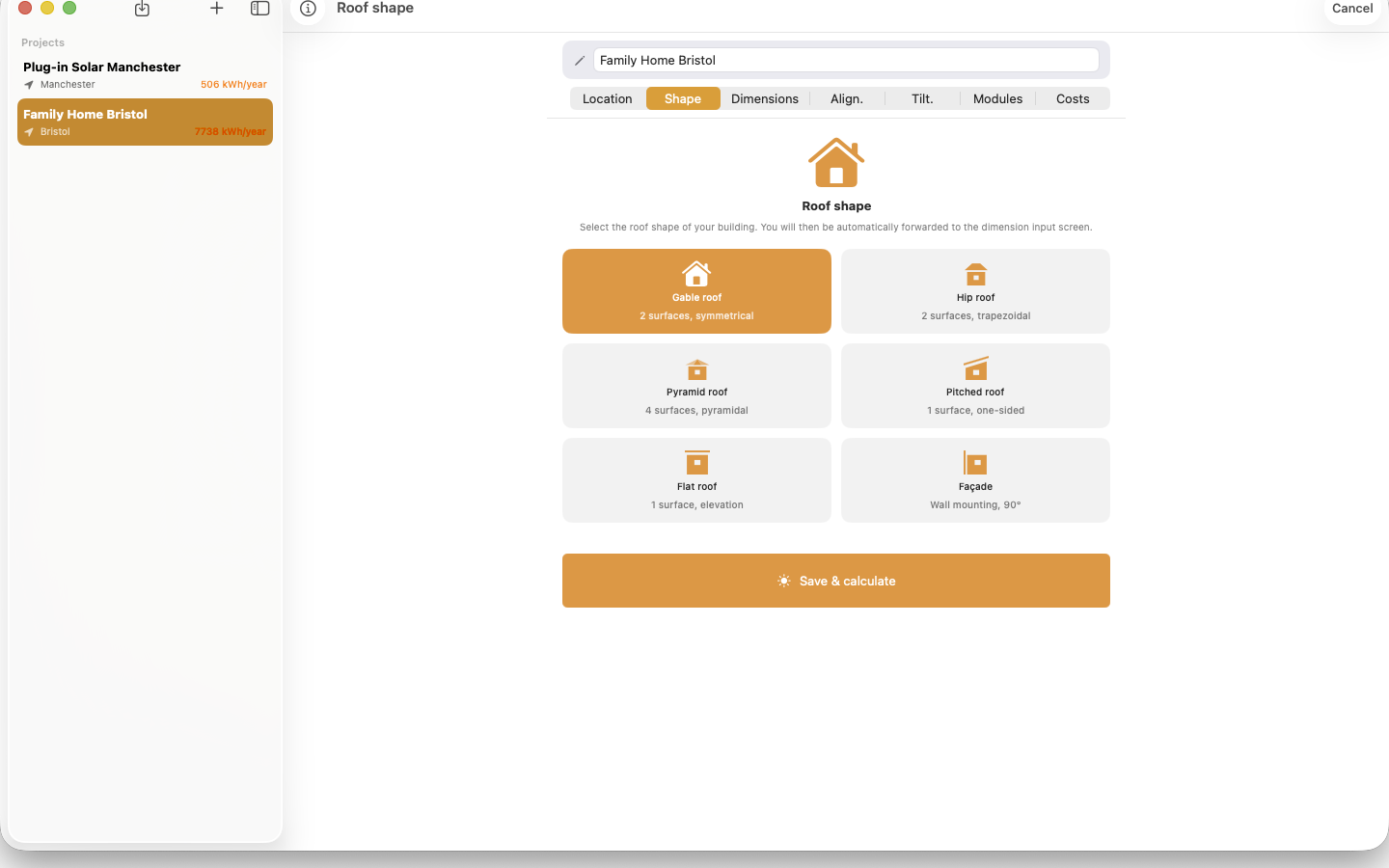
Gable, hip, pyramid, pitched, flat, façade. Plus trapezoid and triangular surfaces for everything that isn't a rectangle. On flat roofs with single-sided or east-west mounting.
Width and height per surface, each with its own name. The calculation won't be more accurate than the measurements you feed it.
Hold up your phone and the compass gives you the direction. That becomes the azimuth for the yield calculation.
Lay the iPhone flat on the roof and the inclinometer reads the angle. For façades the slider goes to 90°.
The module plan lays modules onto the roof, portrait or landscape, and leaves room around chimneys and skylights.
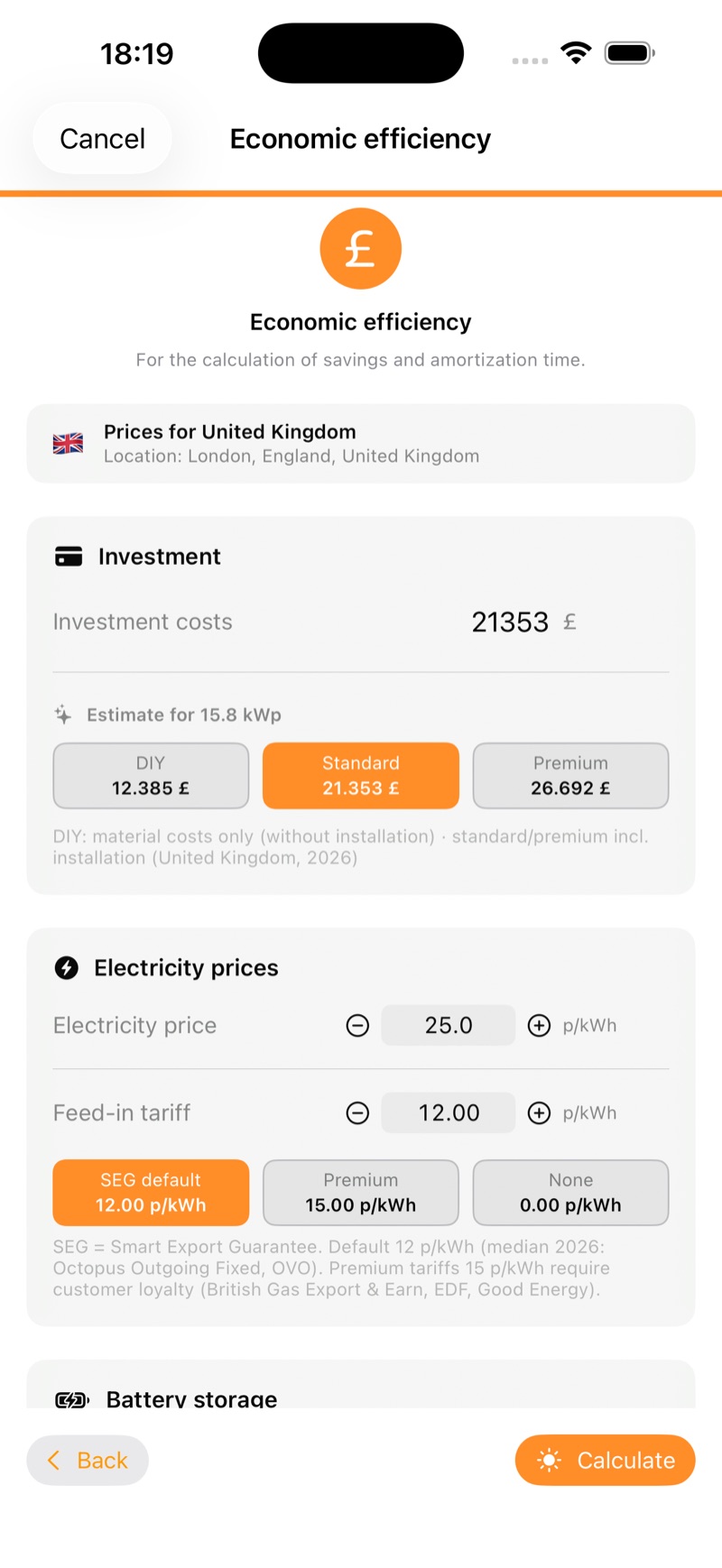
Enter your electricity price, feed-in rate and storage. Out comes what the system saves per year and when it pays for itself.
Square metres times a factor would be easy, but it rarely holds up. PV Wizard actually lays the modules onto the surface, including trapezoids, triangles and pyramid roofs, and counts every row.
Drag the chimney, skylight and satellite dish to where they actually sit. Whatever ends up underneath drops out of the calculation.
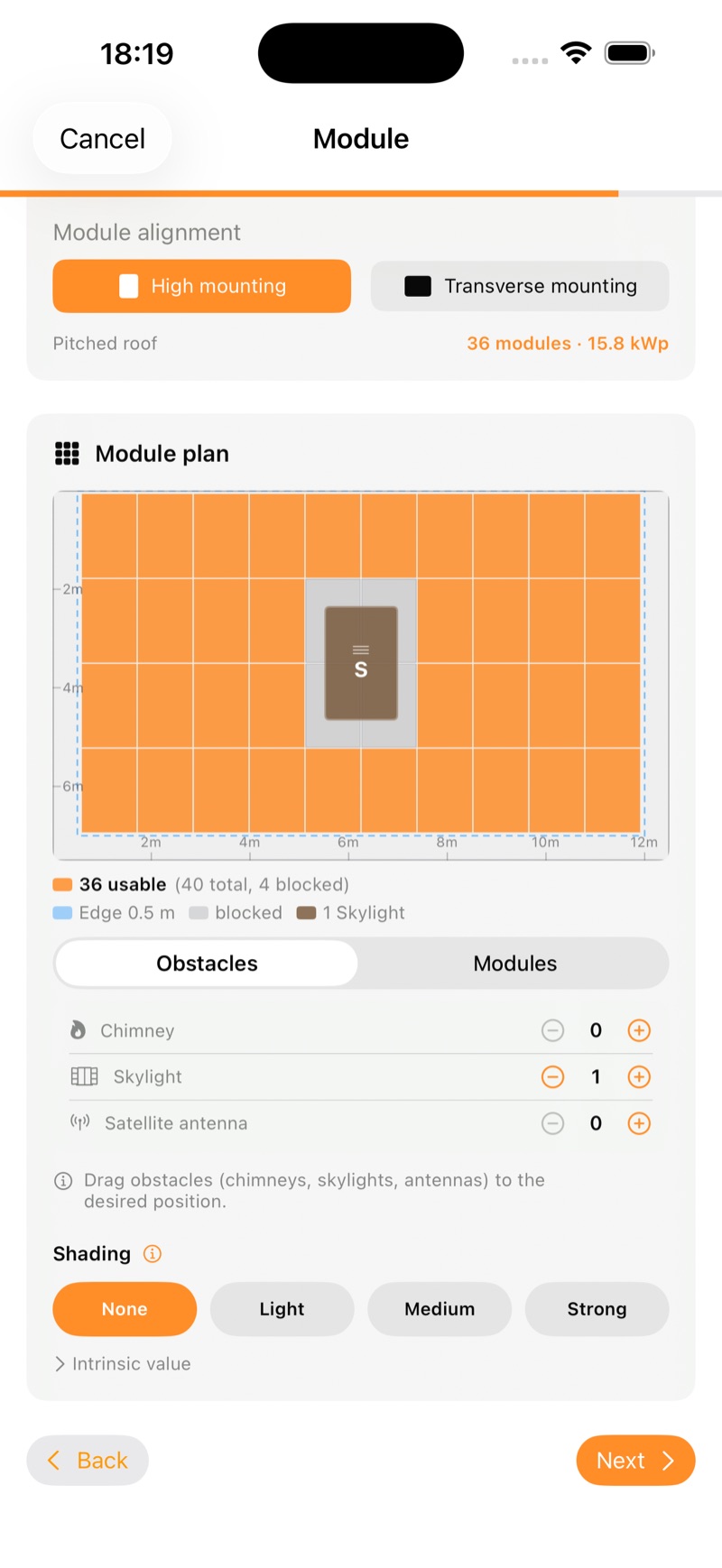
Example project from the app, calculated with PVGIS data from the European Commission.
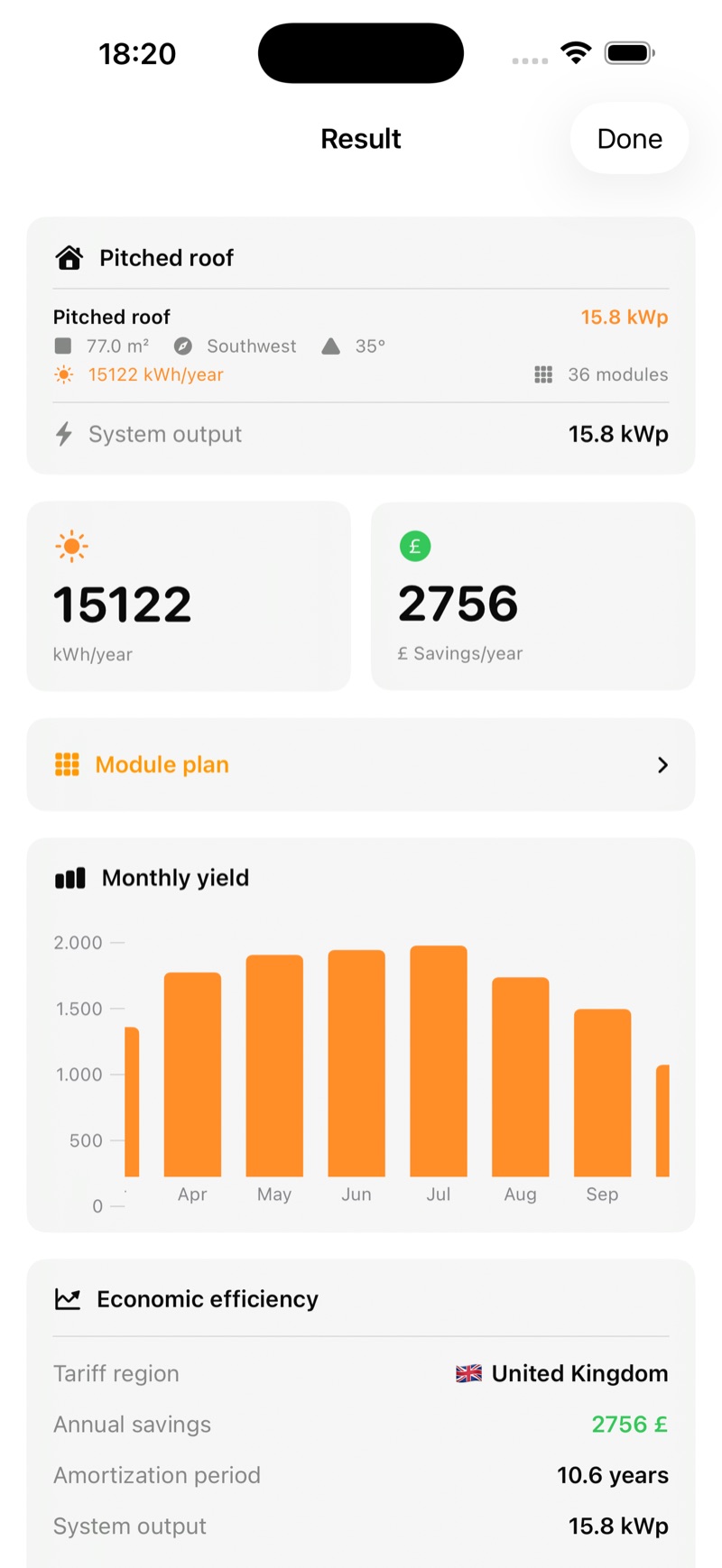
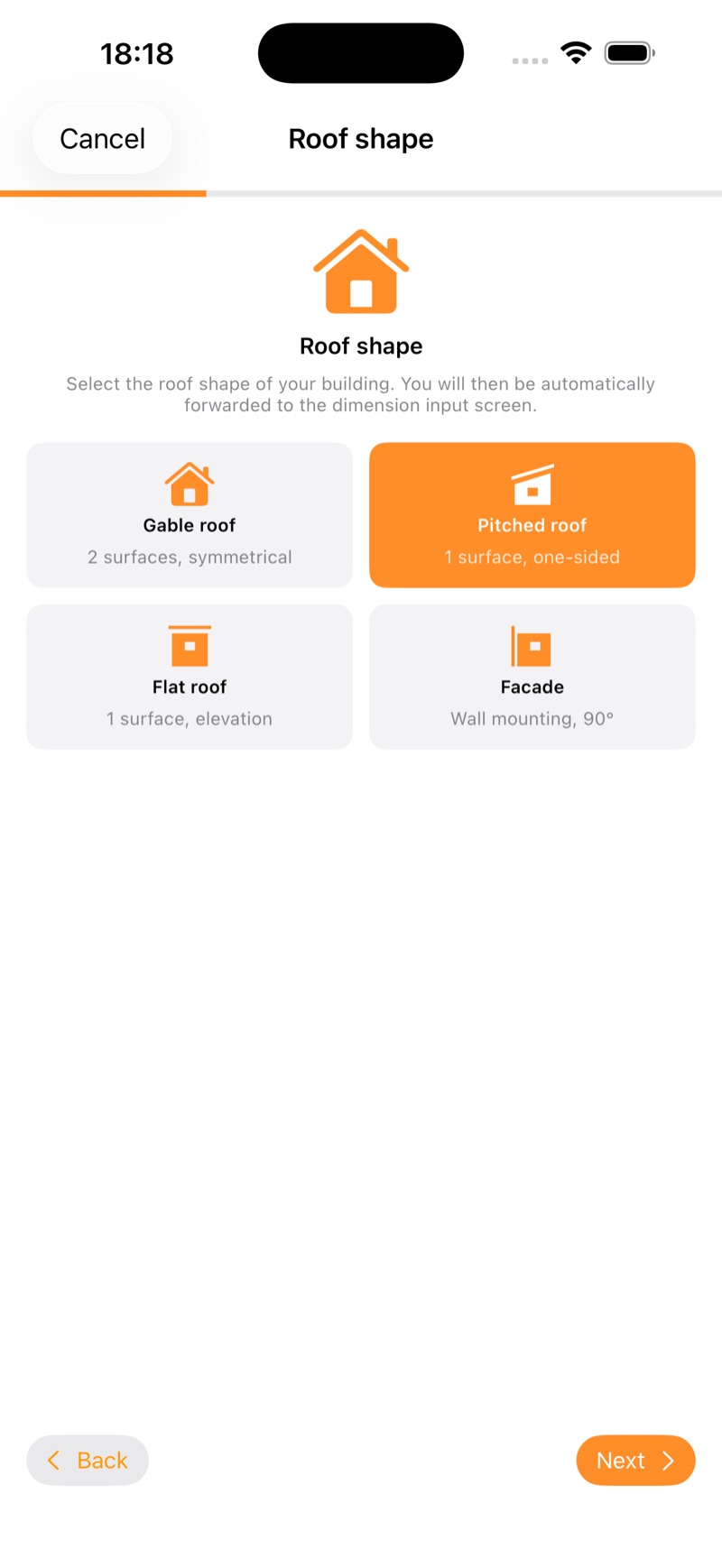
Four steps and you know what your plug-in system will bring in. The app calculates DC and AC separately, clips at the inverter limit and knows the plug rules for your country.
On the Mac you get a proper macOS app with a sidebar, a menu bar and windows that behave. You buy Pro once and have it on iPhone, iPad and Mac (Universal Purchase).
Location-accurate yields from the EU Commission's PVGIS system (JRC), no blanket figures. Offline fallback included.
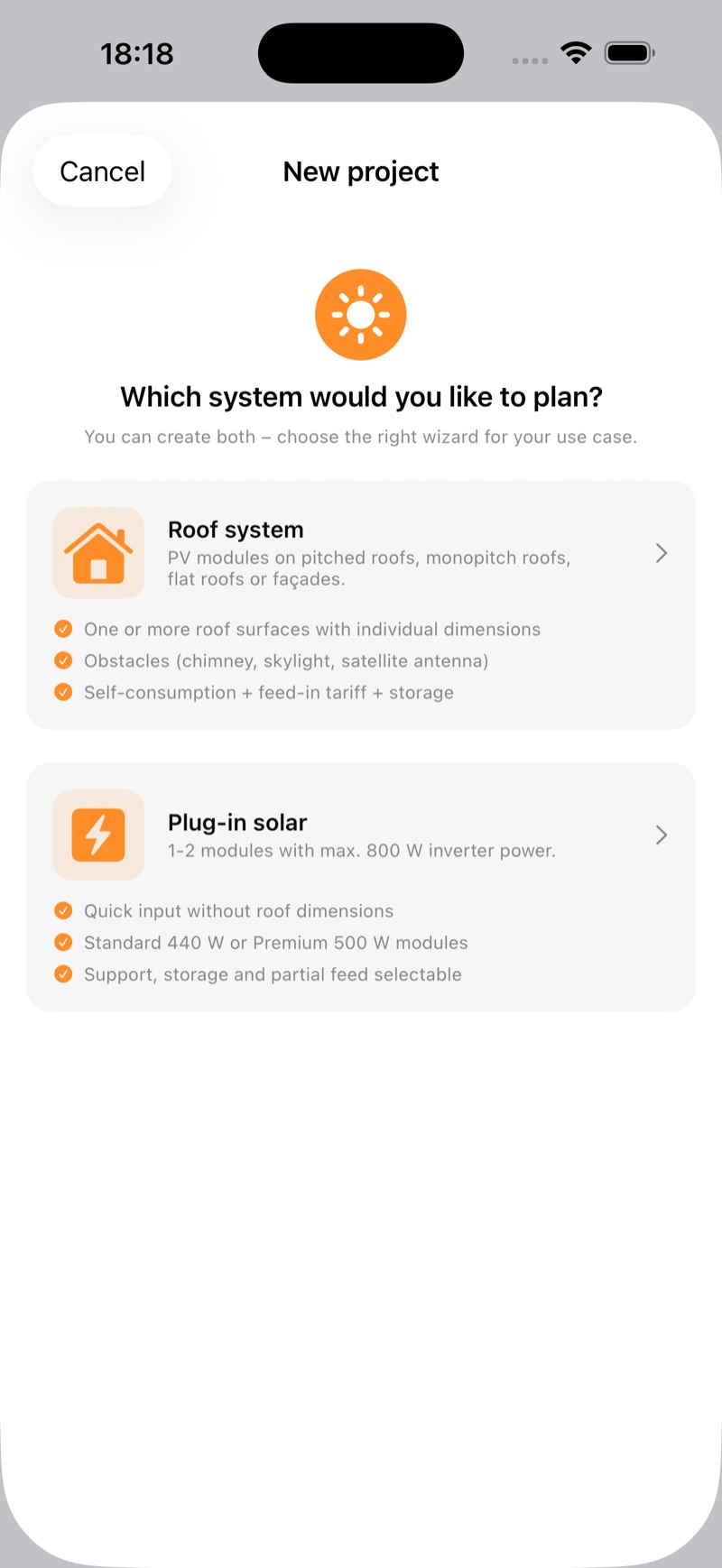
Two wizards: roof system on gable, pitched or flat roofs, even as a vertical façade mount (90°). Or plug-in balcony solar up to 800 W inverter power. Flat roofs with single-sided or east-west mounting, row spacing calculated automatically.
Point your iPhone or iPad at the roof: the built-in compass finds the orientation, the tilt sensor the roof angle. Measure instead of guess, no ladder maths.
Tariffs and feed-in rates for Germany, Austria, Switzerland, Luxembourg, the UK, Ireland, Italy and France, automatically by location. Plus notes on subsidy schemes per country (ECO4, SEAI, KPC, KLEIV, Detrazione), for information.
Realistic cost estimate per kWp, from DIY through standard to premium, including installation and storage. Plus electricity price, feed-in tariff, total investment and payback period at a glance.
Interactive module plan with drag & drop: chimney, skylight, satellite dish, plus a shading deduction per roof surface.
Simulate self-consumption and payback with storage, including a realistic, declining price estimate.
Create a clean PDF report or save your projects as JSON, ideal for advice and archiving.
No account, no ads, no analytics tools. All project data stays local on your device. Full control.
Free
One-off purchase
Price shown in your local currency on the App Store.
Solar prices vary enormously right now: the same setup can cost thousands more at one company than another. PV Wizard holds the promised yield against real PVGIS data and the price against typical market costs per kWp. So you walk into the sales conversation informed and don't overpay.
Ten minutes of preparation pay off before you approach installers. Send the right documents and you get a quote faster, and a better one, because the company doesn't have to guess.
That is exactly what the request package in the app is for (PV Wizard Pro): a finished PDF with your roof data, module plan, yield forecast and payback calculation. Attach, send, done. The installer knows immediately what it is about.
Plug-in solar is quickly ordered. These four points spare you from it sitting in its box for weeks afterwards.
The app works out in advance what your plug-in solar system will actually deliver at your location, with real yield data instead of manufacturer promises.
It depends on orientation, shading, your electricity price and self-consumption, and that applies to both rooftop systems and balcony solar. Using real PVGIS yield data for your location, PV Wizard calculates how much electricity your system generates, how much of it you use yourself and after how many years it pays for itself. So you can see, for both options, whether and when the investment makes sense.
Check three things: first, the promised annual yield. PV Wizard gives you a realistic comparison value from real PVGIS data for your location. Second, the price: hold the quoted total against the typical cost per kWp (standard and premium level, including installation) that the app estimates. Third, the payback period with your real figures. If a quote deviates significantly on yield or price, it's worth asking questions or getting a second quote.
For Austria (EAG investment grant), Switzerland (KLEIV via Pronovo), Luxembourg (Klimabonus), Ireland (SEAI Solar Electricity Grant) and Italy (Detrazione), PV Wizard factors the subsidy straight into the economics: switch on “Include subsidy” and the net investment and payback period go down. The Italian tax deduction, paid out in ten annual instalments, is counted at its present value. Germany, the UK and France have no general grant scheme that can be calculated per system; there the app lists the tax reliefs that apply, for example 0 % VAT on solar and storage in the UK until 31.03.2027. Subsidy calculation is part of Pro. The official scheme conditions always apply.
PVGIS (Photovoltaic Geographical Information System) is a service of the EU Commission (Joint Research Centre) with many years of irradiance data. Instead of blanket rules of thumb, PV Wizard calculates with location-accurate monthly yields, making the forecast far more dependable.
For the most accurate values the app queries PVGIS online. If you're offline, PV Wizard continues with a built-in fallback model. You still get a result.
The download is free and you can calculate unlimited projects. Pro features (obstacles & shading, battery storage simulation, PDF and JSON export) are unlocked with a one-off purchase. No subscription.
On iPhone and iPad (iOS/iPadOS 17 or newer) as well as a native Mac app (macOS 14 or newer). One purchase unlocks Pro features on all your devices via Universal Purchase. Projects themselves are stored locally on each device, not synced.
No. There's no account, no ads and no analytics tools. All project data stays local on your device. Details in the privacy policy.
Available in eight countries, each with its local tariffs and CO₂ factors
Deutsch · English · Italiano · Français